View your First National business loans and make payments through digital banking. The accounts and payment options available to you depend on your loan type and your business-user permissions.
Important information about the Digital Banking Upgrade
Review your recurring loan payments listed in Transfer Activity, including the payment amounts, accounts and schedules. If an expected payment isn’t listed, create a new transfer or contact First National.
Some transactions for loans and lines of credit that have been renewed or rates adjusted are not displaying in the Accounts screen in the new digital banking platforms. You can still view loan and line of credit transaction history in your online statements. We’re working to resolve the issue and appreciate your understanding.
Take a closer look at the new digital banking experience.
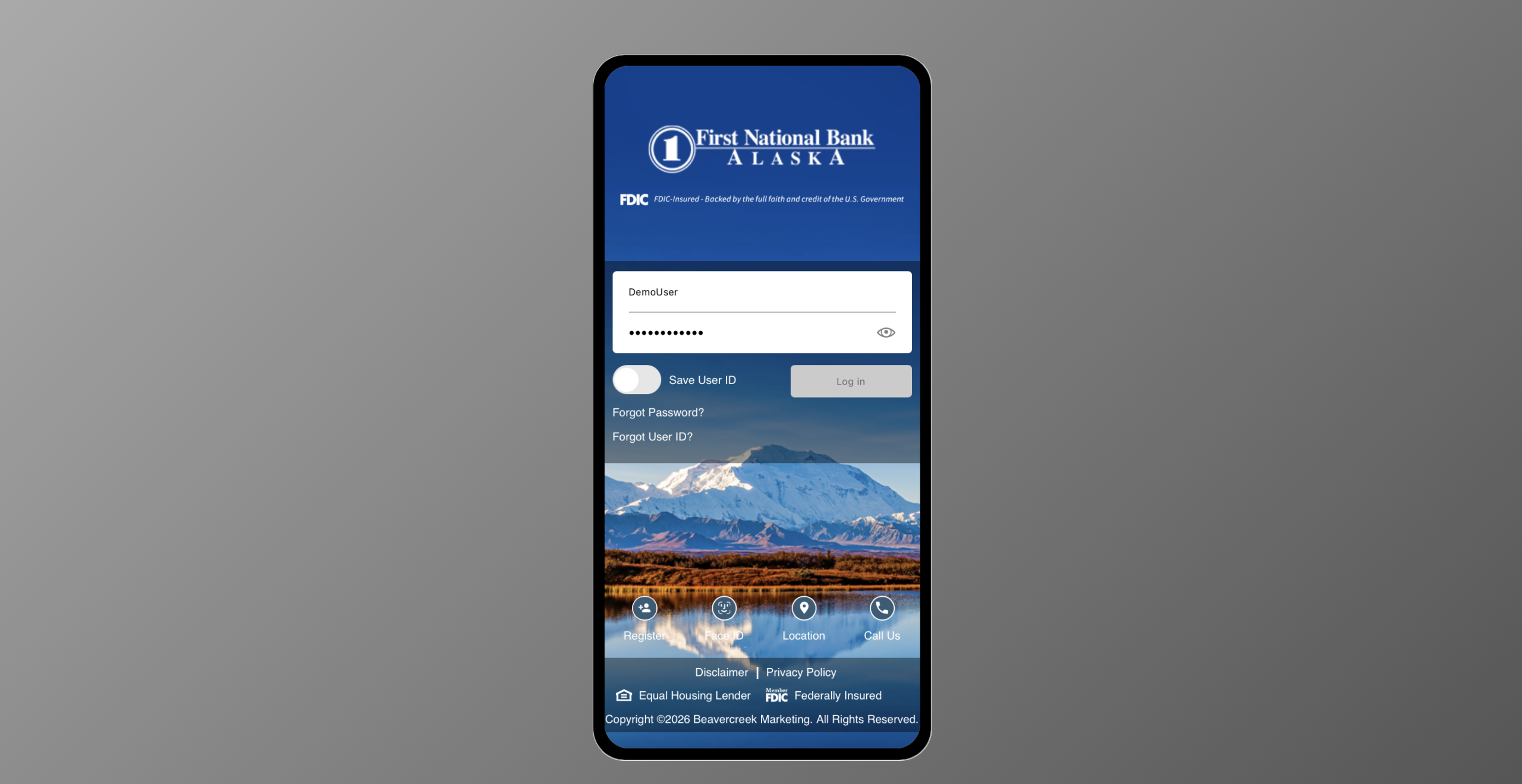
Key changes
Improved transfers interface for making payments on bank-held loans.
Primary benefits
- View loan accounts you’re authorized to access.
- Make payments from eligible First National accounts.
- Schedule recurring payments where available.
Frequently Asked Questions
-
Where can I find my business loan accounts?
Open Account Summary and select your loan account to view its details. You’ll see the accounts your user profile is authorized to access.
-
What should I do if my loan isn’t listed?
Ask your Business Administrator to review your account access. If you’re the administrator or still need help, contact First National for assistance.
-
How do I make a business loan payment?
Open Transfers, select First National Transfer, and then select Make a Transfer. Choose the eligible account you want to pay from and select your loan as the destination. Select an available payment option, enter the required information, and review the payment before submitting it.
If your business requires a transfer template or an additional approval, follow that workflow to complete the request.
-
How do I set up recurring loan payments?
When creating a loan payment, select Recurring under Schedule. Choose the payment frequency, start date, and duration, then review and submit the request. Any required business approvals still apply.
-
Where can I review my scheduled payments?
Open Transfers > First National Transfer, then select Transfer Activity to review your transfers. Select a transfer to see its details and status, and edit or cancel it.
-
How do I cancel a scheduled loan payment?
Open Transfers > First National Transfer > Transfer Activity and select the scheduled transfer. Select Cancel Transfer and follow the prompts.
For a recurring payment, review the cancellation details carefully to determine whether you’re canceling a single payment or the recurring schedule. Contact First National if you need help.
-
How do I update the mailing address for my business loan?
Only Business Administrators can submit address change requests in online banking. If you are a Business Administrator, go to Settings > Secure Forms and complete the Change of Address form. If the form isn’t available to you, contact your First National for assistance.
-
How do I pay off my business loan?
Contact your First National loan officer for a payoff amount and payment instructions.