The Digital Banking Upgrade introduces a more modern and unified mobile banking experience. The FNBizApp is being discontinued, and both personal and business customers will use one mobile banking app moving forward.
Key changes
All customers will use one mobile banking app moving forward.
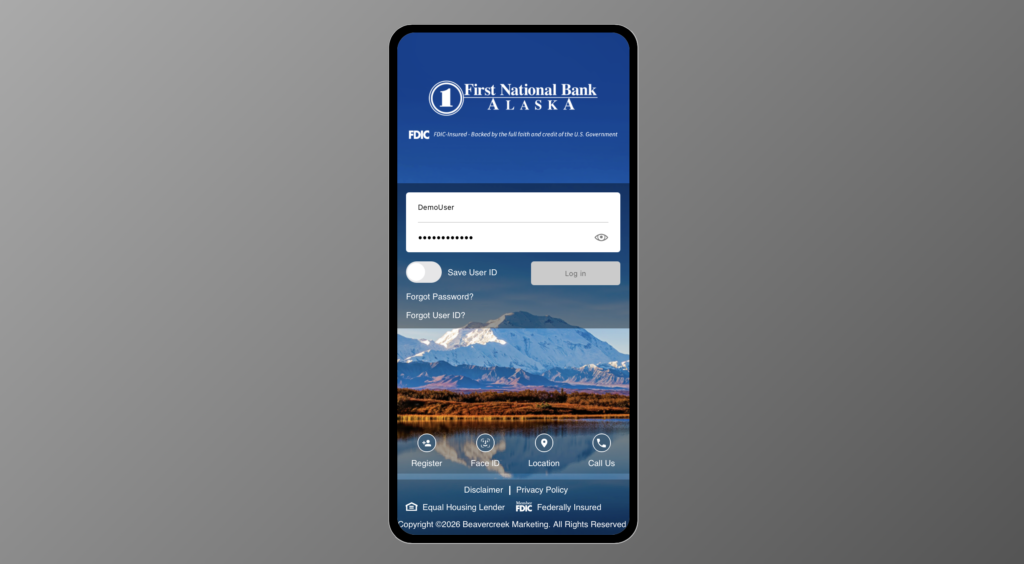
The FNBizApp is being discontinued, and business and personal customers will use one app. Business customers will need to download the updated First National mobile banking app and sign in using their existing online banking credentials after the upgrade.
Mobile banking will have a more modern and streamlined design.
Mobile attestation will be built into the mobile banking app. You will not notice a difference, but this a security mechanism that ensures devices are genuine and meet security requirements.
Primary benefits
- More modern and streamlined mobile banking experience
- Improved consistency across personal, business and online mobile banking
- A single mobile app experience moving forward
- Easier navigation and improved self-service options
- Improved overall usability and customer experience
- Added security via mobile attestation
- Stronger foundation for future digital banking enhancements and services
Frequently Asked Questions
-
What do I need to know about The FNBiz app?
The FNBizApp has been retired. Business customers will need to download our new mobile app from the Apple Store or Google Play.
-
What features are available in the mobile app versus online banking?
The following features are only available in online banking:
- User administration, including new user registration, editing entitlements and dual custody
- Web Connect
- Download transactions
- Bill Pay
- Remote Deposit
- Lockbox
The following features are only available in the mobile app:
- Mobile deposit (Deposit a Check and Deposit History)
- Biometric Login Enrollment
-
Why isn’t my mobile app working after the upgrade?
The previous mobile banking app will no longer work after the conversion. After conversion, download the new First National mobile app from the Apple App Store or Google Play Store. Once installed, sign in using your online banking credentials to access your accounts.
-
Will the log in experience change?
Yes, business customers will need to download our new mobile app from the Apple Store or Google Play.
-
Can I initiate or approve ACH and wires in the mobile app?
Yes, you can initiate or approve ACH and wires in the mobile app.