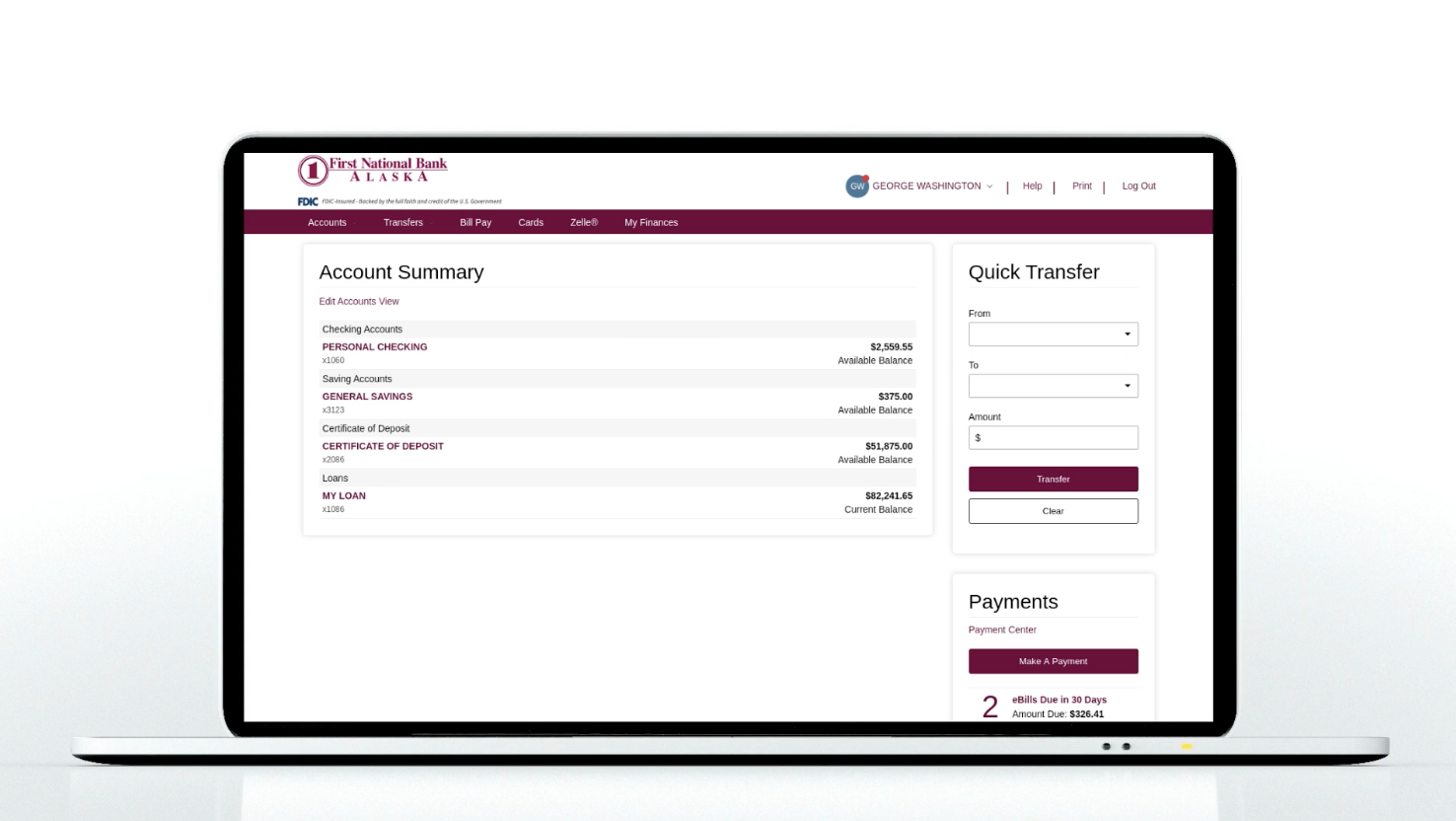
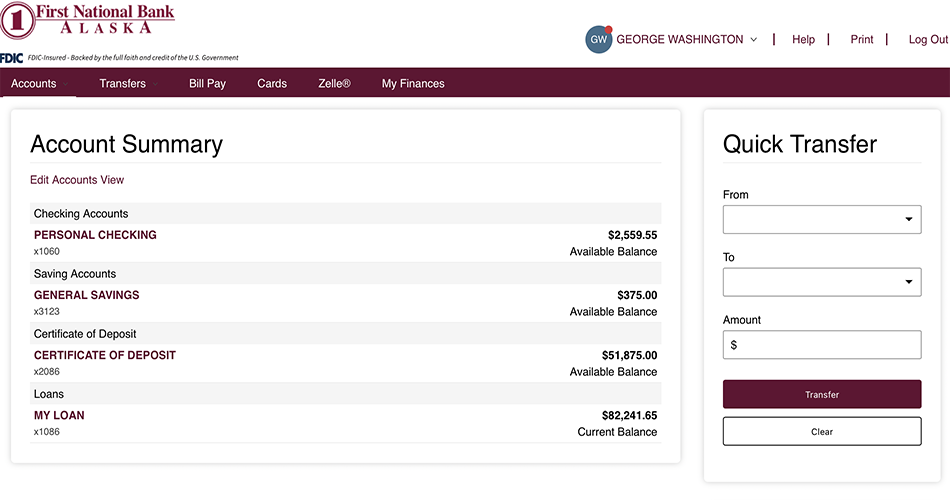
The Digital Banking Upgrade introduces an updated modern online banking experience. You may expect changes to navigation, layouts and overall usability. With few exceptions, core banking services and functionality remain unchanged.
Take a closer look at the new digital banking experience.
*The ability to update your contact information is temporarily unavailable. Please contact us at 907-777-4362 for assistance.
Key changes:
Business and personal banking customers will log into one online banking platform
Personal online banking users can now order checks directly from online banking
You can access the following new features: blocked numbers, user activity history, authorized apps, biometric login, secure forms or text banking
Registering for online access is now completely self-service
Primary benefits:
- More modern and streamlined online banking experience
- Easier navigation and improved self-service options
- Improved consistency across mobile and online banking
- Strong foundation for future digital banking enhancements and services
- Enhanced security that uses multifactor authentication via text, phone or email
- Expanded self-service profile and settings capabilities
- Ability to manage User ID settings directly within digital banking
- Access to the new Text Banking service
- Streamlined access to the Message Center and accepted disclosures
- More streamlined and modern Account Alerts experience
- Account Alerts will carry over from Retail Online Banking and Business Online Banking into the new digital banking platform
Frequently Asked Questions
-
Are Alerts changing?
The interface and design are changing. Existing notification functionality will remain unchanged.
-
Are core banking systems changing?
No. This upgrade focuses on the digital banking experience. Core banking systems and many existing banking services will remain in place.
-
Can I change my User ID in the Digital Banking Upgrade?
Yes. You will be able to change your User ID within digital banking, by clicking User ID under Profile.
-
Will biometrics be an option to login?
Yes.
-
Will business and personal customers use the same online banking platform?
All customers will use the Digital Banking Upgrade platform, although available features and functionality may vary based on customer type and entitlements.
-
Will I have the ability to view my credit card in Online Banking?
At this time, you are not able to view your credit cards in the online banking platform.
-
Will I need to re-enroll in online banking?
Most customers will transition to the new platform using their existing credentials and enrollment information. Additional communication and guidance will be provided if you need to take action to log in before launch.
-
Will there be real-time chat?
No, Real-time chat is not currently part of the new platform.
-
Who do I contact if I am locked out of online registration?
After three failed attempts to enroll in online banking your account will be locked.Contact your local branch or our Contact Center for further assistance with registration.
-
Who do I contact if I am outside the U.S. and having difficulty accessing my accounts?
If you are experiencing difficulties accessing your account from outside of the U.S. please contact your local branch or our Contact Center for assistance.
-
Can I create the same User ID for both my business and personal logins?
No. Personal and business Digital Banking require separate User IDs. The same User ID cannot be used for both account types. If you are interested in combining your business and personal log ins, please contact your local branch or Treasury Management Representative for assistance.
-
What are Secure Forms?
You can use Secure Forms to change an address, request paper statements, request an account closure, and to submit a travel notification while logged in to your online banking.