Purpose
This How-To guide provides detailed instructions on how to create and manage U.S. domestic wire payees.
Business Wires Payee Domestic
A wire transfer is an electronic transfer of funds via the Federal Reserve. Domestic wire transfers are sent by one bank and received by another bank within the United States.
There are two types of wire transfers:
- Single
- One time
A wire payee must first be setup to complete a single wire transfer. The wire payee retains the wire instructions so that they can be re-used, making the wire payment process more efficient.
Accessing Wire Payees
To access Wire Payees:
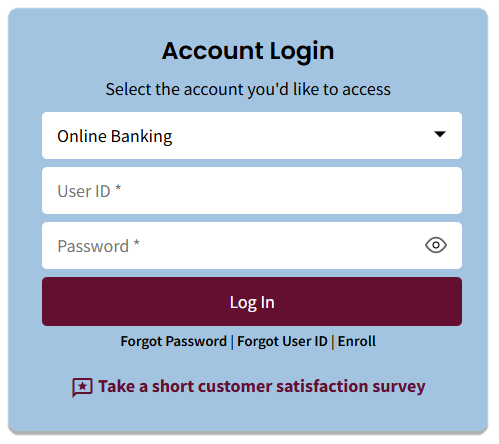
- Log in to the Business Portal: Enter the User ID and Password, then select the Log In button.
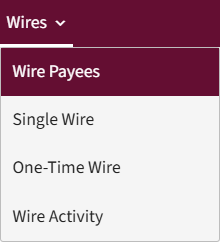
- Select the Wires tab, then select Wire Payees from the menu.
- The Wire Payees homepage displays.
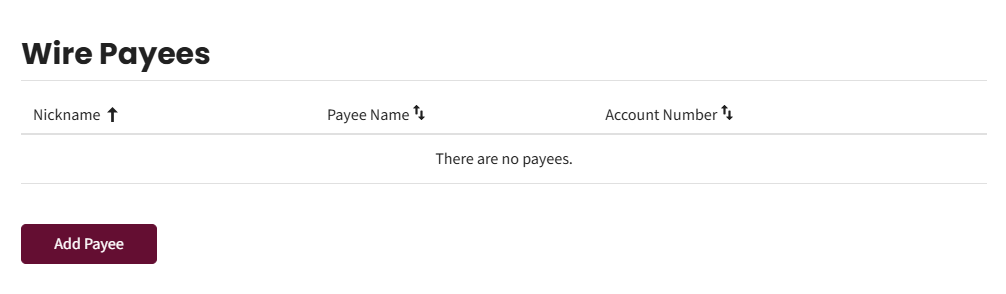
Existing Payees will be displayed; If no Payees exist, this view will be blank.
Adding New Payees
To add a new payee:
- Select the Add Payee button on the Wire Payees homepage.
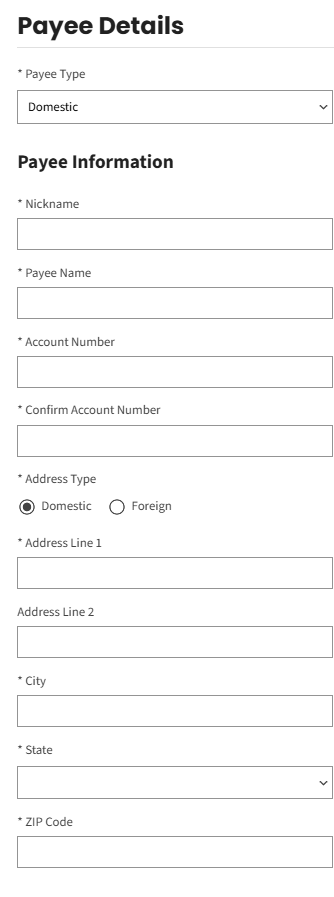
- On the Payee Details view, select Domestic.
- Enter the payee details in the Payee Information section.
The payee is the person that will receive the funds.
Complete the following fields:
- Nickname – choose any name.
- Payee Name – recipient of the funds.
- Account Number – the account the funds will be deposited.
- Confirm Account Number
- Address Type – Domestic
- Address Line 1 – payee address.
- City
- State
- Zip Code
- Enter the payee Financial Institution details in the Payee Financial Institution section.
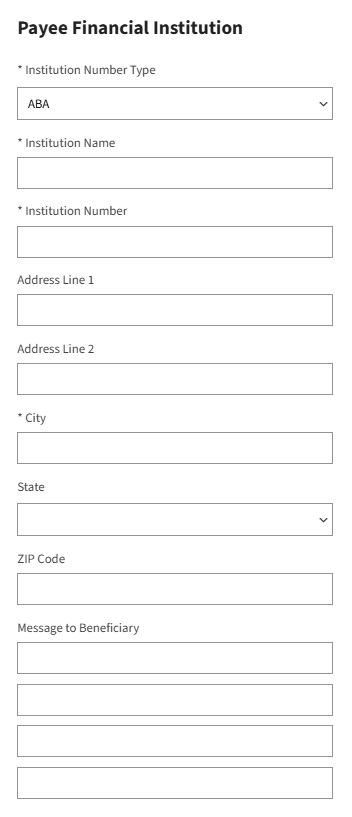
Complete the following fields:
- Institution Number Type – do not modify this field.
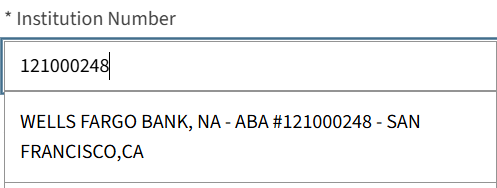
- Institution Name – if the institution number was selected in the next field, the institution name auto populates.
- Institution Number – Input the receiver ABA number and click on the correct bank name, ABA, address.
- Address Line 1 – the address auto-populates if an institution already setup in the system is selected.
- City
- State
- Message to Beneficiary – Input reason for payment and any message to the beneficiary.
- Check the This payee requires receiving financial institution details checkbox in the Receiving Financial Institution section, if the payee has two banks listed. This field is optional.
- The Receiving Financial Institution section is optional and not typically used unless the payee bank is not online with the Federal Reserve to receive incoming wires.
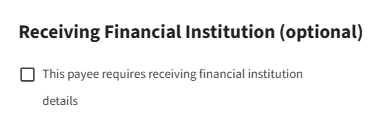
If the checkbox is selected, the customer will be required to enter the institution number type, institution name, institution number, and address, city, state and zip code.
- Check the This payee requires intermediary financial institution details checkbox in the Intermediary Financial Institution section, if payee has three banks listed. This field is optional.
An intermediary financial institution is an entity that acts as the intermediary between two parties, Payee Financial Institution and the Receiving Financial Institution, in a financial transaction.
If the checkbox is selected, the customer will be required to enter the institution number type, institution name, institution number, and address, city, state and zip code.
- Select the Save button.
- A confirmation displays indicating the payee was added.

Editing Wire Payees
To edit a Wire Payee:
- Identify the desired payee on the Wire Payees homepage, then select the Edit (pencil) icon.
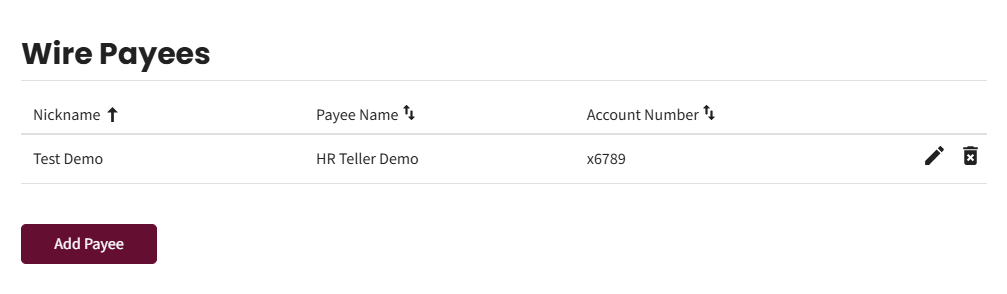
- The Payee Details view displays.
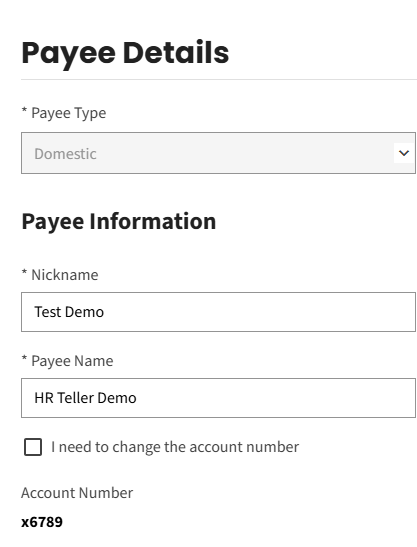
Make the necessary changes to any of the fields, then select the Save button to save the user changes.
- A confirmation displays indicating the payee was updated.

Deleting Wire Payees
To delete a Wire Payee:
- Identify the desired payee on the Wire Payees homepage, then select the Delete (trash can) icon.
- A pop-up displays to confirm the delete request.
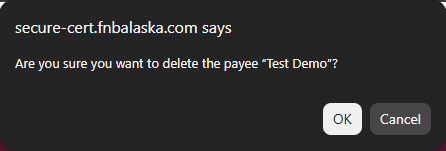
Select OK to delete the payee.
- A confirmation displays indicating the payee was deleted.
