My Finances is a new personal financial management feature within digital banking. You can connect eligible external accounts, track spending and view financial information across multiple institutions in one place.
Take a closer look at the new digital banking experience.
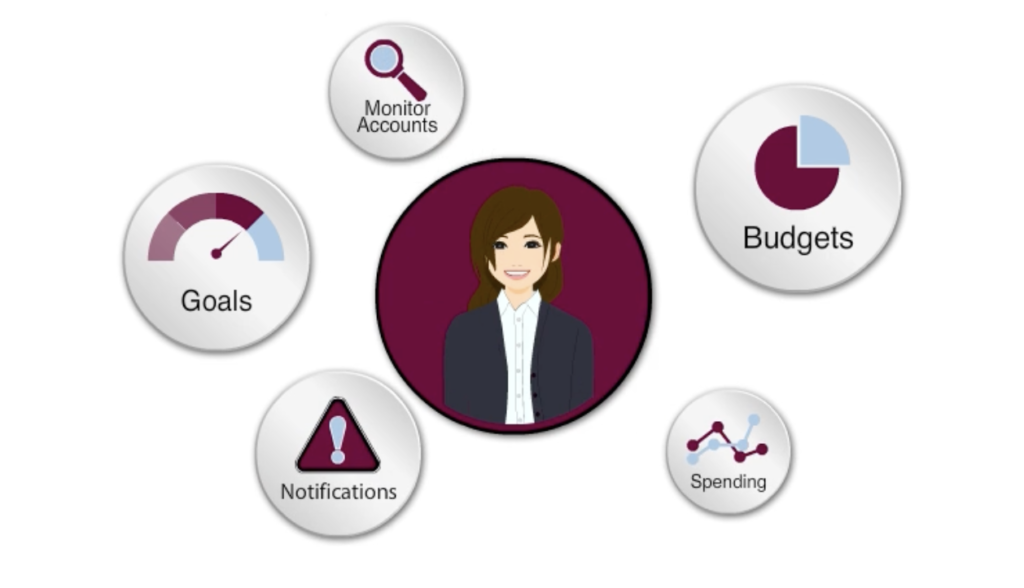
Key changes
My Finances is a new feature and available in online and mobile banking.
Primary benefits
- Ability to view financial information across multiple accounts and financial institutions
- Improved visibility into spending, budgeting and financial trends
- More centralized financial management experience
- Expanded self-service financial planning capabilities
- Set savings goals and track progress
Frequently Asked Questions
-
Where do I access My Finances?
You can access My Finances by clicking My Finances in the top menu bar.
-
Can I connect accounts from other financial institutions?
Yes. You can connect eligible external financial accounts within My Finances.
-
Can I reclassify my accounts tracked in My Finances?
You can reclassify your external accounts, however, internal account classifications come directly from the Bank and are unable to be modified in My Finances. You still have the option, however, to nickname the accounts online. These nicknames will feed into My Finances.
-
Can I track alternatives, insurance, etc. in My Finances?
If the Financial Institution has online client access and we support the data source, the accounts can be tracked by My Finances. Please note: very few (if any) alternative assets, such as Private Equity/Hedge Funds, have online access portals and cannot be included.
-
Does My Finances allow me to transfer money between financial institutions?
No. My Finances is designed for financial management and account aggregation. External money movement is handled separately through External Transfers and other transfer services.
-
How do I add internal bank accounts?
After accepting the My Finances Terms & Conditions, enter your online banking credentials. Accounts to which your Online Banking User ID has access will be displayed in My Finances. Bank accounts may take up to two business days to populate and appear in My Finances.
-
How do I enroll in My Finances?
If you have a registered Online Banking User ID, select the My Finances link and accept the Terms and conditions to enroll. Enrollment is completed automatically once the terms are accepted.
-
How often is account information updated in My Finances?
External account information is updated at each login. First National Bank Alaska Online Banking account information is updated in My Finances on a nightly basis.
-
Is My Finances a new feature?
Yes. My Finances is a new feature being introduced as part of the Digital Banking Upgrade.
-
Is My Finances secure?
Yes, My Finances uses industry standard security measures and encryption to help protect your personal information from unauthorized access and disclosures.
-
Is there a fee to use My Finances?
My Finances is available at no charge to all customers/members.
-
Regarding adding external accounts to the budget in My Finances. Would there be an approval request from the external bank to the customer asking them if it is ok to give access/information to First National?
When using the My Finances tool the user is asked to enter credentials for the other institution. This action is the authority to add the account and verify the user. There is no additional approval that occurs at the time of adding an external account to the program.
-
Will I receive an approval request from my other financial institution when adding an external account?
When using the My Finances tool you are asked to enter credentials for your other financial institution. This action is the authority to add the account and verify the user. Alternatively, you may also elect to receive trial deposits for verification of an account.
-
What is My Finances?
My Finances is a new personal financial management feature that allows customers to view and manage financial information within digital banking.
-
What external accounts can I add to My Finances?
My Finances lets you securely add and manage accounts from over 18,000 financial institutions, along with eligible offline assets.
-
Why does my profile show as “Incomplete”?
If your profile is incomplete, select the profile progress bar to view the remaining account types. Add any applicable accounts or select “I don’t have one” for those that don’t apply to complete your profile.