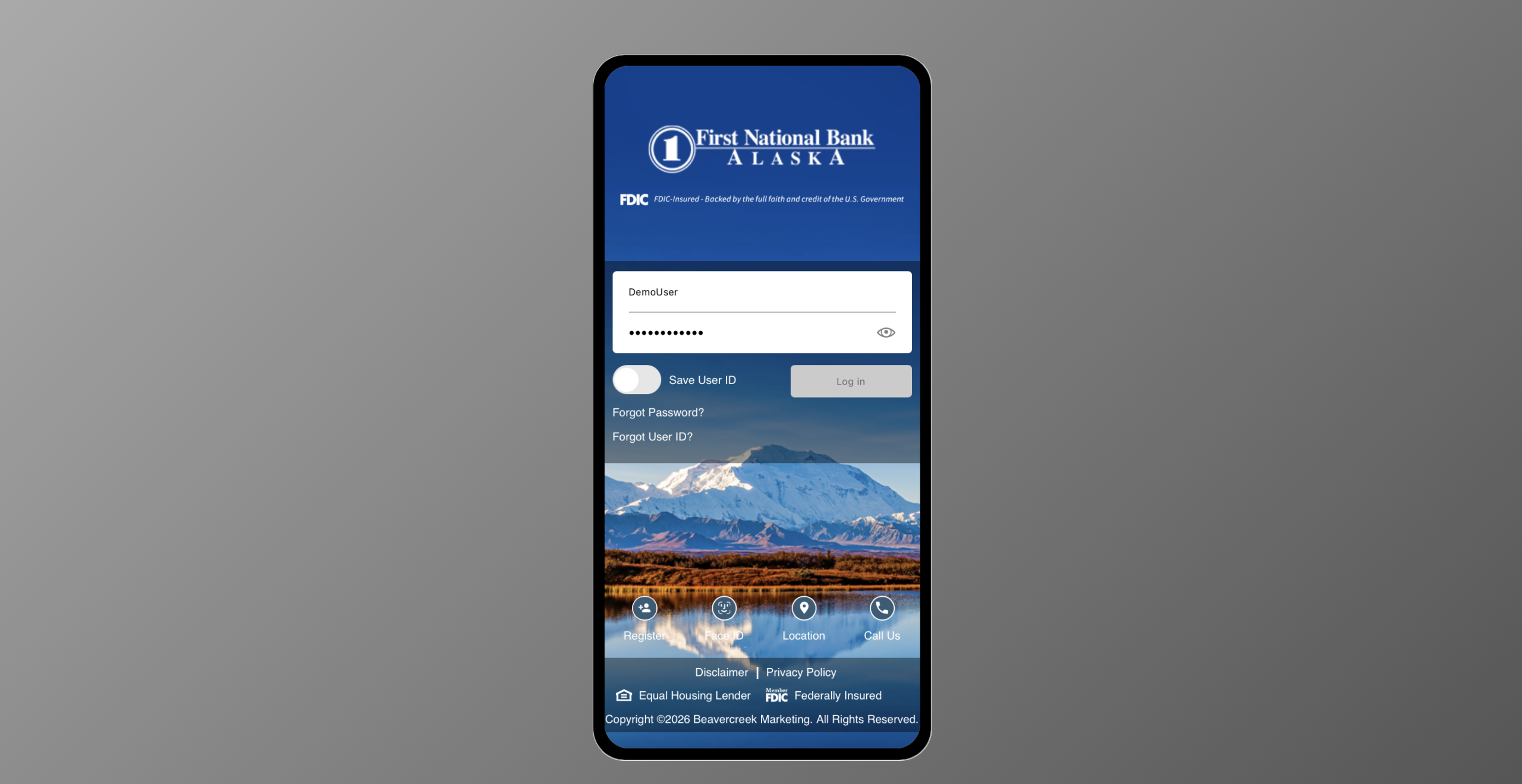
The Digital Banking Upgrade offers an updated, modern online banking experience for business customers. Expect changes to navigation, layouts and overall usability. With a few exceptions, core banking services and functionality remain unchanged.
Take a closer look at the new digital banking experience.
*The ability to update your contact information is temporarily unavailable. Please contact us at 907-777-4362 for assistance.
Key changes
Business and personal banking customers will log in to one online banking platform.
Navigation and feature access will use modern menus, workflows and streamlined design.
Enhanced security uses multifactor authentication via text, phone or email or token.
Employees can now “log in as a customer” (viewing the account from the customer perspective), allowing them to provide better support.
Employee will have access to the admin portal to view customers’ online banking records.
Electronic statements and notices are accessible by all customers enrolled in online banking.
All analysis customers will see their analysis statements online.
ACH and wire customers can use hard or soft tokens.
Primary benefits
- More modern and streamlined online banking experience
- Easier navigation and improved self-service options
- Improved consistency across personal and business digital banking, and mobile and online digital banking services
- Improved overall usability and customer experience
- Strong foundation for future digital banking enhancements and services
- Enhanced security and MFA for all customers (via text, phone, or email)
- More straightforward e-Statement and Notices enrollment process
- One of the greatest benefits of the new system is it will allow First National to deploy future features and functionality requested by our business customers.
Frequently Asked Questions
-
Can I create the same User ID for both my business and personal logins?
No. Personal and business Digital Banking require separate User IDs. The same User ID cannot be used for both account types. If you are interested in combining your business and personal log ins, please contact your local branch or Treasury Management Representative for assistance.
-
Can I download transactions from multiple accounts at once?
No, transaction downloads must be completed one account at a time. Multi-account downloads is planned as a future platform enhancement.
-
Can I open a new account online?
No, you will continue to establish banking relationships through existing First National account-opening processes.
-
Can I perform a multi account download to another software?
Multi-account downloads are not supported in the new platform.
-
Can I see my personal and business accounts under one login?
If you would like to view your personal and business accounts under one login, please reach out to your local branch or Treasury Management Representative for assistance.
-
What are Secure Forms?
You can use Secure Forms to change an address, request paper statements, request an account closure, and to submit a travel notification while logged in to your online banking.
-
Who do I contact if I am outside the U.S. and having difficulty accessing my accounts?
If you are experiencing difficulties accessing your account from outside of the U.S. please contact your local branch or our Contact Center for assistance.
-
Will biometrics be an option when using the mobile app?
Yes. Based on the permissions you set on your device use of biometric log in through the app is authorized.
-
Will business customers log in experience on FNBAlaska.com change?
Yes, customers will no longer need to select Business Banking from the Account Type dropdown in the account login box on FNBAlaska.com.
-
Will you have a live chat feature within your online banking?
Live chat is not currently part of the new platform.