The bank will begin offering soft tokens to our ACH and wire customers, in addition to hard tokens. For these customers, tokens will take the place of multifactor authentication at login and if any additional authentication is needed for some features within online banking.
Take a closer look at the new digital banking experience.
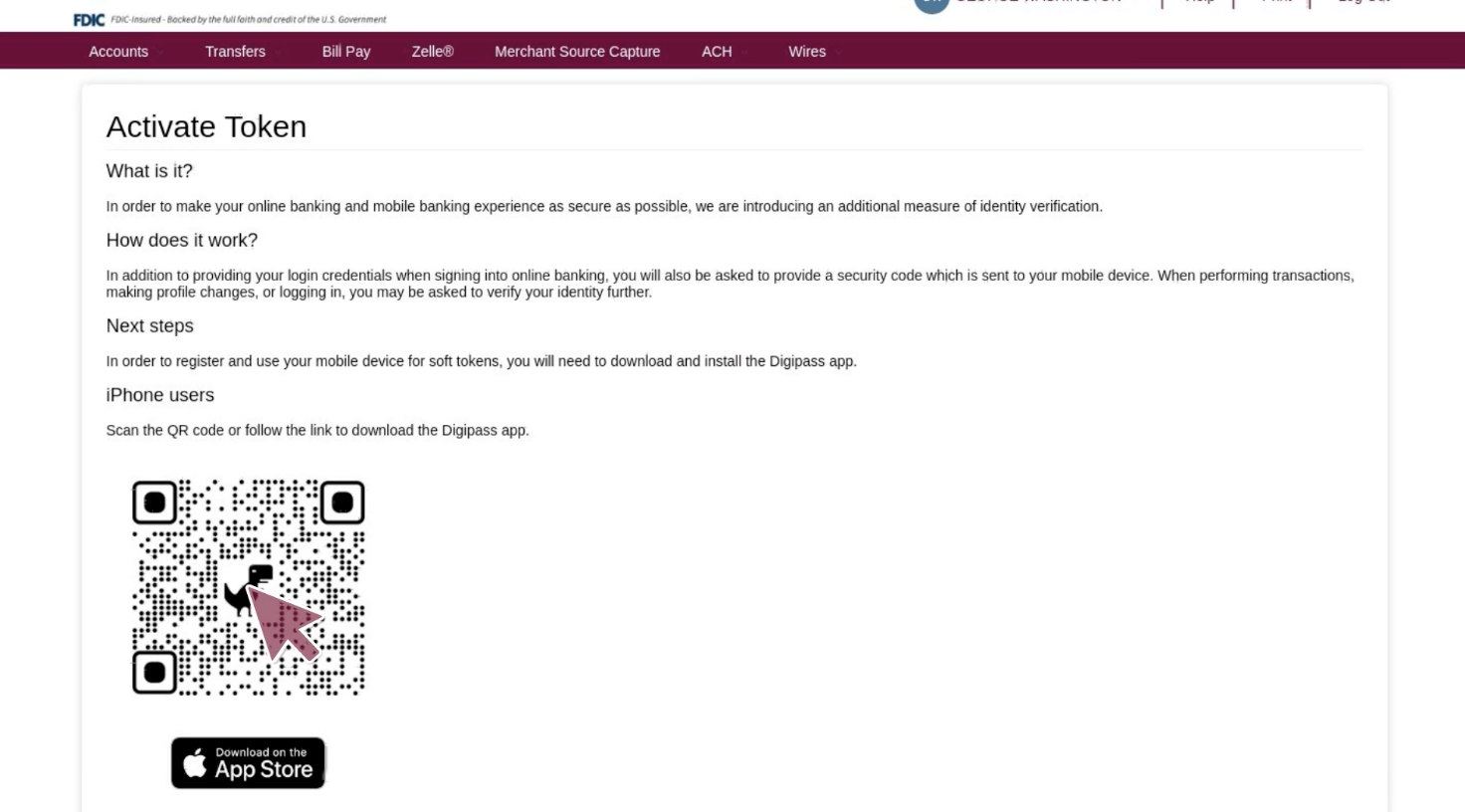
Key changes
All token users will need to enter their username and password, then will be prompted to enter their token PIN.
We will now offer hard tokens and soft tokens to ACH and wire customers.
Soft tokens can be set up in real time. Hard tokens will continue to be mailed or available for pickup at a branch.
Primary benefits
- Improved security because now a password and a token will be required.
- Customers now have the option to use a soft token via their mobile device.
- Customers may be prompted to enter their token for high-risk transactions or other account changes designated by the bank.
- Soft tokens are faster for the bank to enable.
- Soft tokens offer an improved customer experience because customers don’t need a physical device.
Frequently Asked Questions
-
How do I sign up for a soft tokens or replace my hard token with a soft token?
To inquire about a soft token, reach out to your Treasury Management representative.
-
Will I sign in differently after the upgrade?
Yes, after the upgrade, token users will need to enter their User ID and password, then will be prompted to enter their token code.
-
Can I use Account Linking if I use a token to log in to online banking with a token?
User IDs that require a token to log in cannot be used for Account Linking. A Business Administrator can create a separate user without a token to connect your First National accounts to accounting software, ERP systems or other third-party services.