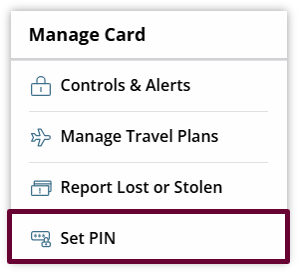
To set a PIN number, click the Set PIN link under the Manage Card menu.
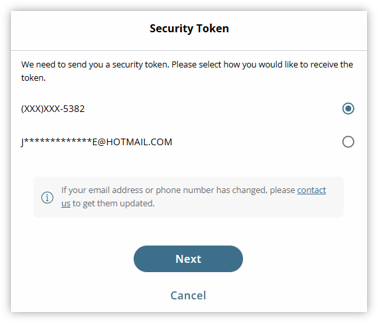
Security Token view will display.
This will prompt you to verify how you would like to receive the verification code.
Click Next to confirm delivery method.
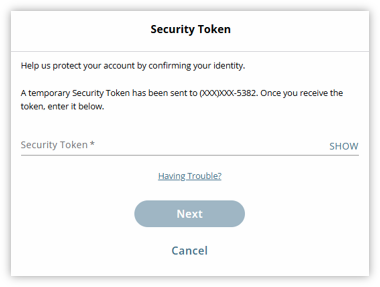
Enter the verification code under Security Token. Then, click Next to confirm.
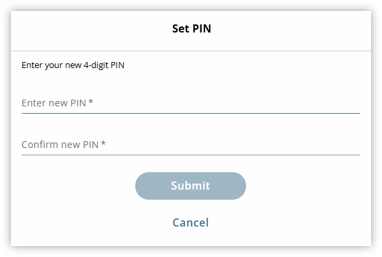
Enter the desired PIN number in the Enter New PIN and Confirm New PIN field.
Click Submit to confirm.
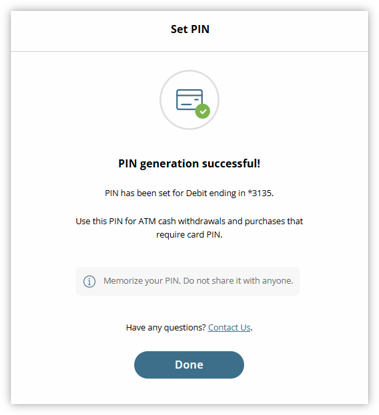
A confirmation will display that the PIN number has been set.